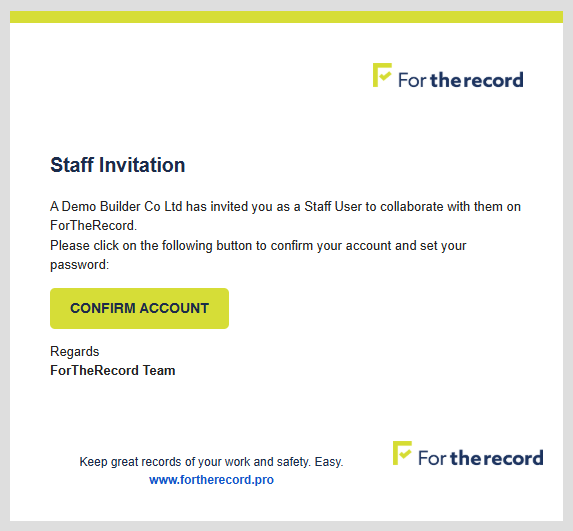
When your account Admin adds you as an app User you’ll receive an email like the one pictured.
Note – the invitation is only valid for a few hours, after which it will need to be re-sent.
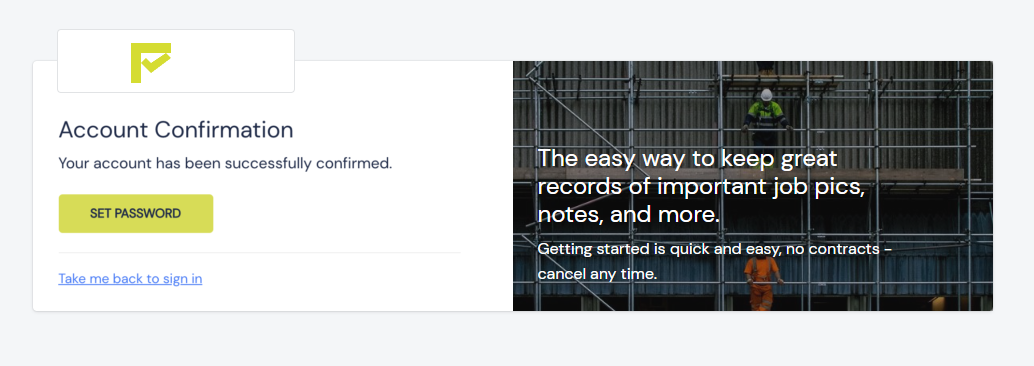
Click on the CONFIRM ACCOUNT button and it will take you to a webpage like this.
Click the SET PASSWORD button, set a password of at least 9 characters and you’re good to go.
NEXT – LOGIN
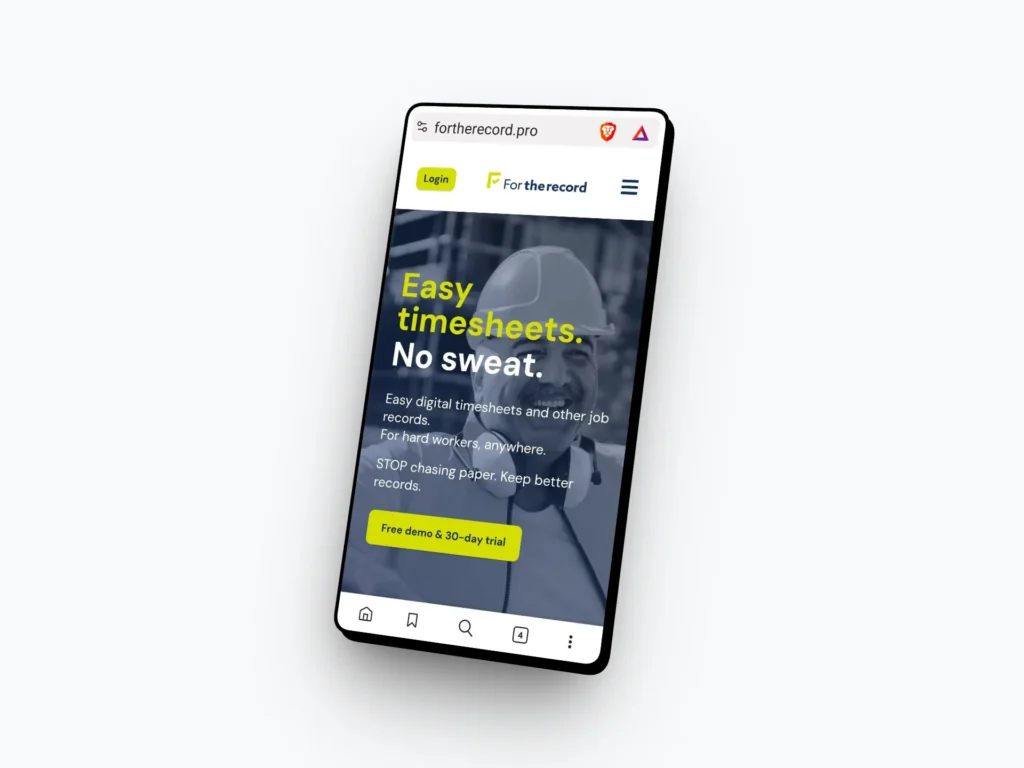
Go to the website www.fortherecord.pro
Use Safari on an iPhone, and any browser on an android.
Tap on the [LOGIN] button at the top of the page…
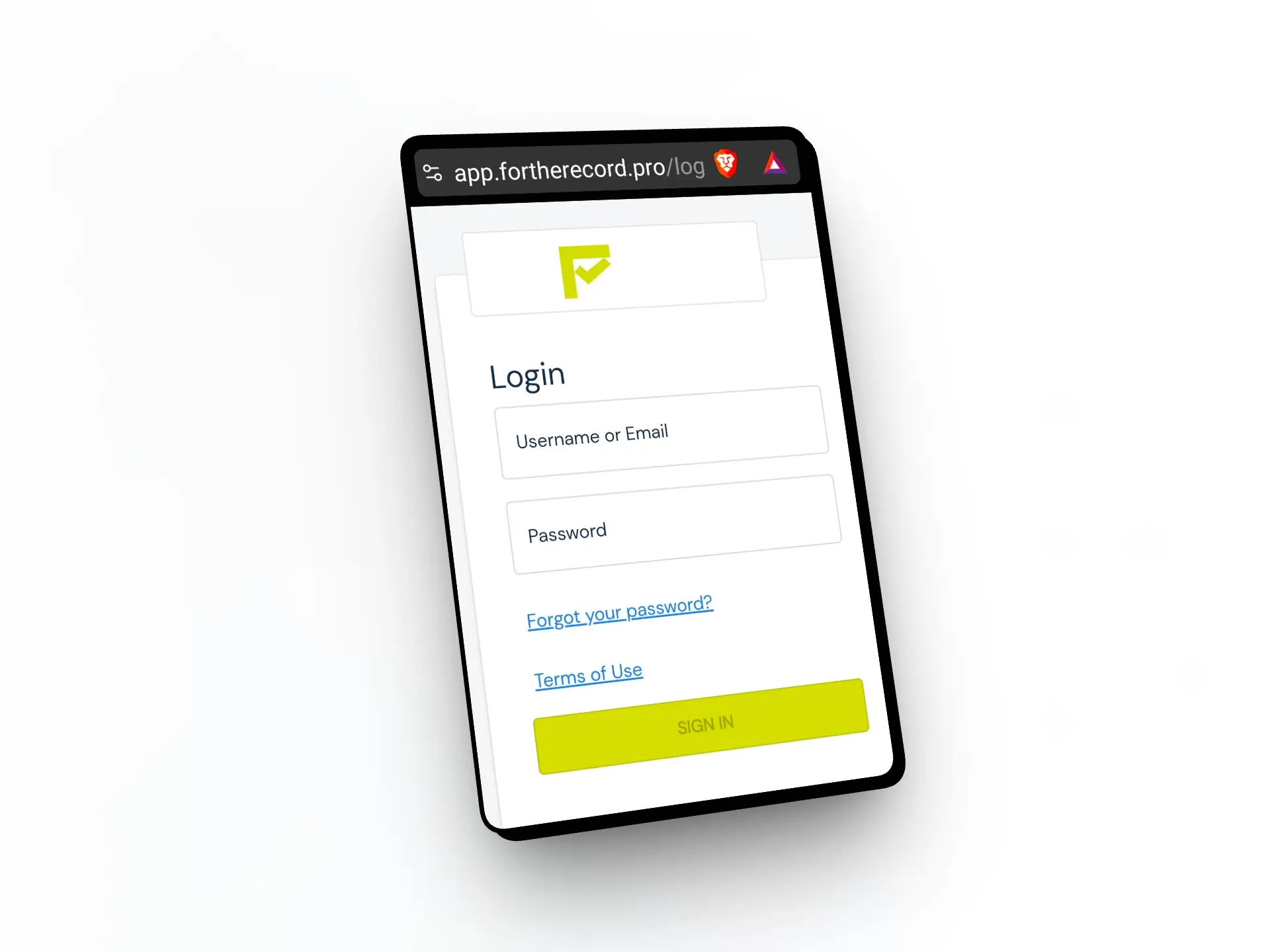
That’ll take you to a login screen like this where you enter your email address and the password you set.
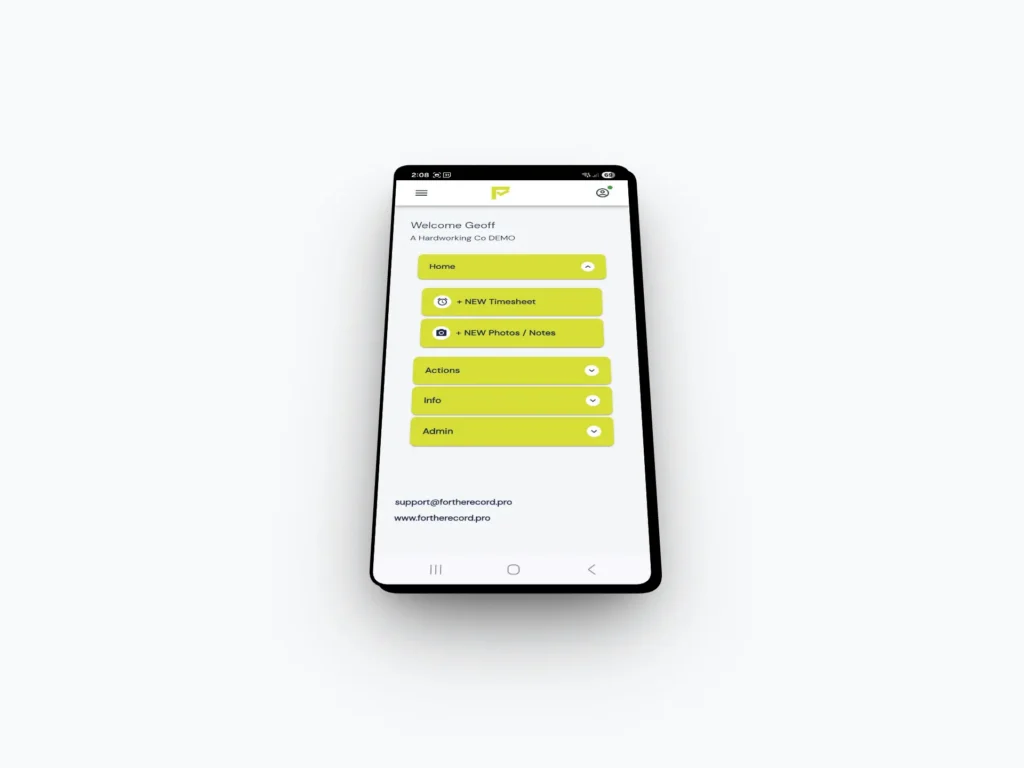
And, you’re in. Start using the app.
You can save the app to your phone’s homescreen which will place the green “F” icon which can then use to login in future without needing to enter your U and P.