Skip to content
Login
Home
Free Demo
Features
All Features
Timesheets
Equipment
FAQs
Try / Buy
About
Latest
Contact
Home
Free Demo
Features
All Features
Timesheets
Equipment
FAQs
Try / Buy
About
Latest
Contact
Home
Free Demo
Features
All Features
Timesheets
Equipment
FAQs
Try / Buy
About
Latest
Contact
Home
Free Demo
Features
All Features
Timesheets
Equipment
FAQs
Try / Buy
About
Latest
Contact
Home
How to
Add a timesheet
Tips for setting up and using the app
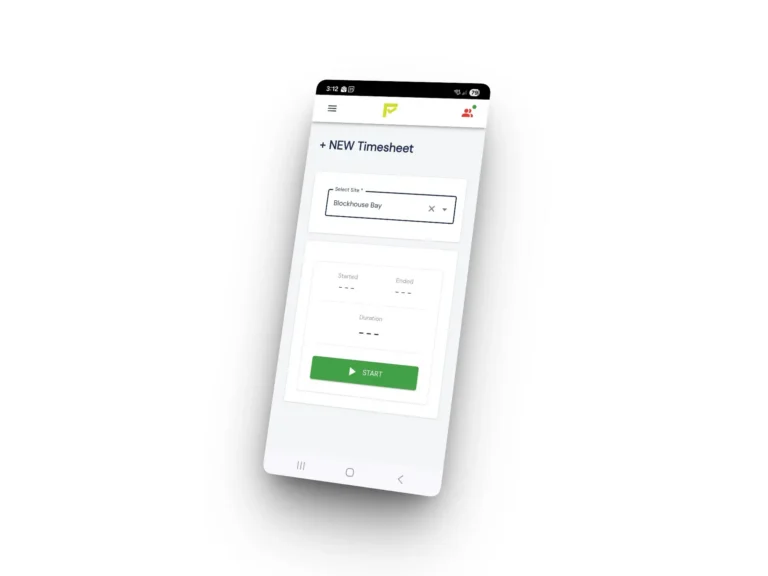
Adding timesheets is easy
Open the app
There is a quick link to add a time sheet under
Home >
NEW Timesheet
Alternatively you can navigate to
Actions > Timesheets > NEW
If you already have an active timesheet, you’ll need to stop it before you can add another.